7 Best Drag and Drop WordPress Page Builders for 2026


Looking for a way to create stunning WordPress pages without typing those complicated codes? WordPress page builders are exactly what you need.
A lot of website owners who just discovered WordPress mostly look for building good looking website pages. Lucky for you, there are countless WordPress page builders that lets you create a beautiful website with zero hassle.
Even if you already are using a WordPress page builder, there’s no harm in taking a look and see what other best WordPress page builders bring on the table.
Chances are you’ll find what your business needs the most to catch your visitors’ eye.
That’s where this article comes in handy: 6 best WordPress page builders to launch your own WordPress site from scratch.
At a Glance: The Best WordPress Page Builders
Short on time? No problem! Check out this quick roundup of the best WordPress page builders before diving deeper.
Still, we recommend you continue scrolling to not miss an important feature comparison and tips for choosing the right page builder for your site.
| Page Builder | Free Version | Best For | Starting Price |
| Elementor | ✅ Yes | Modern websites, eCommerce, and creative layouts | $60/year |
| WPBakery | ❌ No | Developers who prefer front & back-end editing | $69 (lifetime) |
| Divi Builder | ❌ No | Designers wanting full customization and visual control | $89/year |
| SeedProd | ✅ Yes | Landing pages, coming soon & maintenance mode sites | $39.50/ first year only (Renews at $79/Year) |
| aBlocks | ✅ Yes | Agencies and designers who want advanced layouts | $39/year |
| Mosaic | ❌ No | Designed for creators who want cleaner structure & performance | $39/year |
| Gutenberg (Block Editor) | ✅ Yes | Beginners and WordPress users who prefer built-in tools | Free |
| Beaver Builder | ✅ Yes | Agencies and performance-focused websites | $89/year |
How We Choose the Best WordPress Page Builder
We just don’t list popular page builders, we test and review them inside out.
Thus, our team of experts had tested each and every single page builder thoroughly, sorting out every single one until we were left with the best WordPress page builder.
So to help you choose the best WordPress page builder, here are the factors and features that makes a WordPress page builder the best:
- Ease of use: We always look for a page builder with a smooth drag and drop interface and which is easy to use even for beginners
- Design and Features: Always go for page builder with good pre-built templates and blocks. Plus, Check out the global styling and responsive controls as well.
- Performance: Make sure the page builder is lightweight and clean coded so it never holds your website speed back.
- Integrations: Ensure it works smoothly with most WordPress themes as well as third party plugins to make things easy
- Budget and support: We know businesses always check three things basically when choosing a page builder: their goals, their needs and…their budget. So make sure the WordPress page builder you pick is budget friendly with a good support and community.
So these are all the things you should consider and our team considered before handpicking the best WordPress page builders.
Now it’s time to explore each of them in depth. So, let’s dive in!
6 Best WordPress Page Builder Plugins in 2026 (Free & Paid)
Elementor
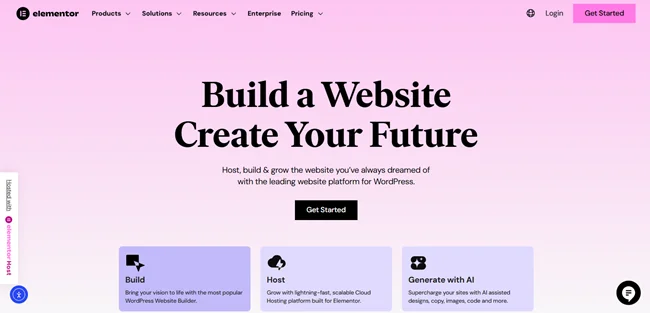
On the top of the list, Elementor steals the spotlight with its outstanding design abilities, powerful editing features, and ready to go designs. It is one of the most powerful WordPress page builder plugins. Best of all, Elementor offers tons of widgets and each of them is independent with its own settings. With this, you can build your website perfectly with all the best drag and drop tools and powerful styling options.
Standout Features:
- Live drag and drop editor
- Wide range of Widgets for everything
- Pre-designed templates and blocks for all industries and needs
- Powerful Theme Builder to create and customize your website
- Easy to adjust and optimize your site across multiple devices
- WooCommerce Builder to design and manage online stores
- Built-in tool to create and manage forms
- Integrates smoothly with popular services like MailChimp, Zapier and so more
Pros of Elementor:
- Easy to use and build websites with zero code
- Free version is available
- Wide range of templates and widget in both free and pro versions
- Cost effective compared to others
Cons of Elementor:
- May slow down page load time
- The Pro version is needed for advanced features like Theme Builder, Popup builder and more.
Price: Elementor offers a free version and it’s starting from $60/year
WPBakery
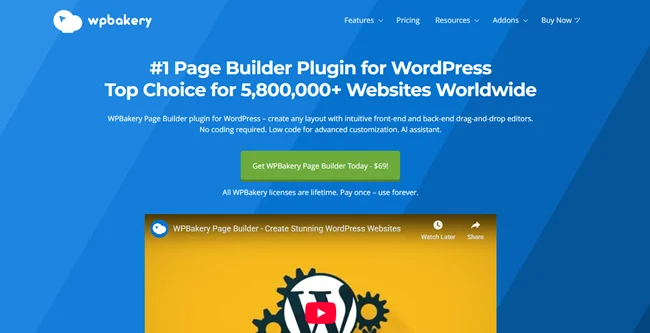
WPBakery Page Builder for WordPress is the best choice to create your website layout. It comes with a front end and back end page builder to create responsive websites. The best part is you can work with any WordPress theme of your choice here. With over 50+ content elements, templates and addons, you can build your WordPress pages and page layouts effortlessly.
Standout Features:
- Easy to use drag and drop interface
- Comes with wide range of built-in content elements
- Frontend and backend editing
- Responsive design to make your website look good on all devices
- AI features for tasks like text generation, translation and styling
- Works smoothly with almost all WordPress themes and third party plugins
Pros of WPBakery Page Builder:
- User friendly interface
- Flexible customizations
- Responsive design
Cons of WPBakery Page Builder:
- May impact your site speed performance
- Lack of modern features
Price: Starting at $69/lifetime
Divi
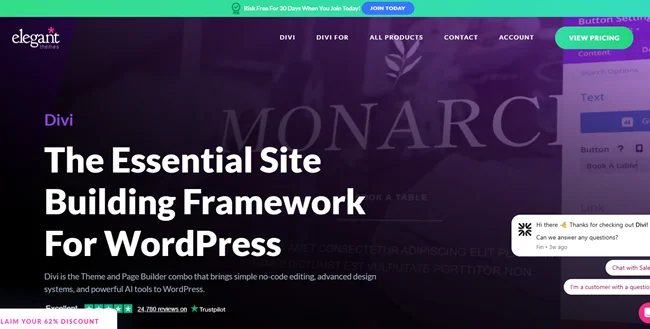
One of the most flexible WordPress page builder, Divi gives you complete control over how to make your website look the way you want. You can also use Divi page builder with it’s popular Divi themes yet it also works amazing as a standalone plugin too. Plus, it is known for its professional designs and wonderful support.
Standout Features:
- Visual drag and drop builder
- Hundreds of professional pre-made layouts and templates
- Create dynamic templates with ease for your own website
- Global elements and styles
- Built-in features for A/B testing
- Powerful email marketing tools and integrations
- Advanced customization and code options too
- Divi AI helps build and design website with ease as well as content
Pros of Divi
- user friendly interface
- over 100+ pre-made and beautiful website layouts
- Highly flexible and full customization options
- Powerful built-in marketing and lead generation tools
Cons of Divi
- Kind of expensive for some users
- Relies heavily on shortcodes
Price: Starting from $89 Per Year
SeedProd
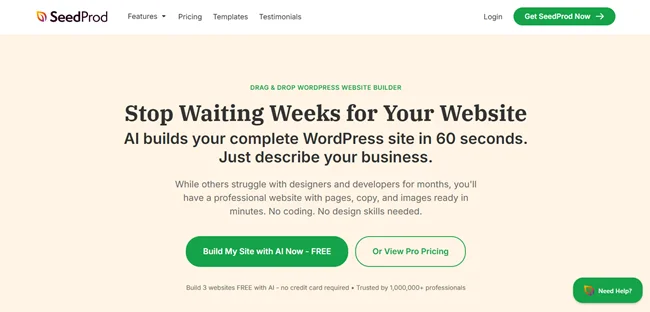
SeedProd is another best WordPress page builder plugin. This tool lets you build a complete custom website in just a click of a finger. Best of all, it comes with over 200+ pre-built templates and powerful theme builders. Further, it also offers built-In Coming Soon, Maintenance and 404 Pages too.
Standout Features:
- Smart pre-built sections
- 90+ Pro Blocks for displaying static and dynamic content
- Smoothly connects with multiple email marketing tools
- Advanced spam protection
- Easy to see real changes with live preview
- Powerful access control
- AI tools like landing page generator, content generator and image generator
Pros of SeedProd:
- Easy to use
- Lightweight plugin with high performance
- Built-in maintenance and coming soon modes
Cons of SeedProd:
- Advanced features needs more higher plans
- Limited built-in advanced features like A/B testing needs integrations
Price: Seed Prod offers a free version in WordPress plugin directory. Further, for advanced features it’s starting from $39.50 for first year only. Renewals at regular price starting at $79/Year.
aBlocks
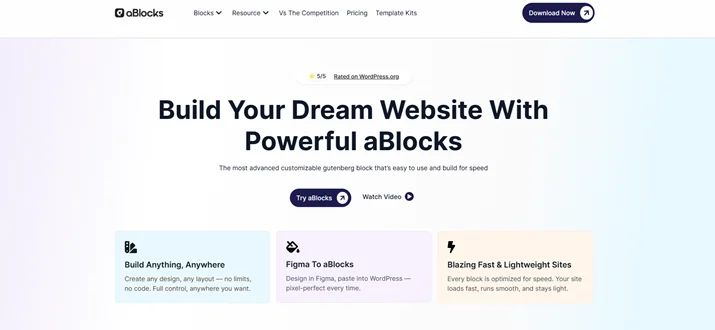
aBlocks is a true all-in-one WordPress website builder built entirely inside the Gutenberg editor. No need to stack dozens of different plugins for designs, animation, forms, dashboard and performance. aBlock brings everything you need in one place. Best of all, whether you want to create a simple blog site or a complex eCommerce or LMS platform, aBlock gets it done without writing a single line of code.
Standout Features:
- 100+ powerful blocks
- Frontend Dashboard Builder
- Built-in Popup and Modal Builder
- Advanced theme Builder for full header, footer, and site wide template
- GSAP-powered animation system
- Smart asset generation only loads CSS and JS
- Coming Soon and Maintenance Mode pages
- Loop Builder for dynamic content layouts
Pros of aBlocks:
- All-in-one solution to replaces 20+ plugins
- Super lightweight
- Works smoothly with any WordPress theme
- Free version to get started
Cons of aBlocks:
- GSAP-powered animations are for paid Pro version only
- Newer plugin compared to established builders like Elementor or Divi
Price: aBlocks offers a free version and it’s starting from Individual $39/ Yearly
Mosaic
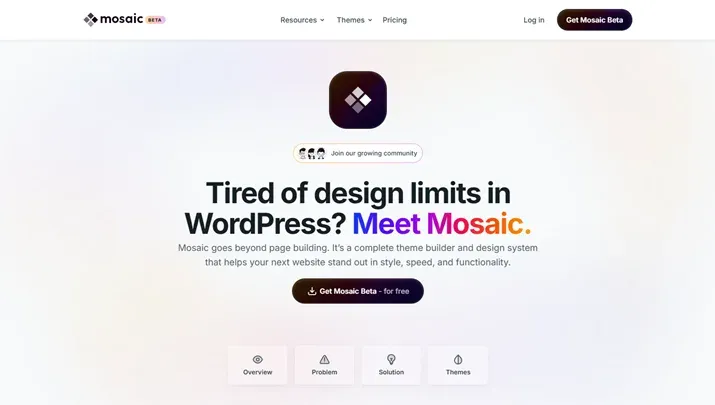
While most page builders focus on designing individual pages, the Mosaic page builder takes a different path. It is built as a full WordPress theme builder combined with a visual editor and design system, giving you deeper structural control from the very beginning. Instead of layering design on top of a theme, Mosaic connects the theme and the page-building process into one consistent workflow. It is designed for creators who want cleaner structure, stronger performance, and long-term maintainability as their sites grow.
Standout Features:
- Full WordPress theme builder
- HTML level control with full CSS freedom and no unnecessary abstraction layers
- Component system with global updates and local overrides
- Advanced class system and CSS variables for faster site-wide maintenance
- Dynamic data and Loop for custom listings and templates
- Advanced interaction system for scroll-based, multi-step, and conditional animations
- Growing design library with ready-made pages, blocks, and layout parts
- Multiple starter themes, including blank, unstyled, and multipurpose options
Pros of Mosaic:
- Cleaner structure and better long-term scalability
- Strong performance thanks to minimal abstraction
- Design system mindset with reusable components
- First year free for early adopters
- Full theme level control instead of page-only control
Cons of Mosaic:
- Requires some familiarity with HTML and CSS concepts
- WooCommerce integration and certain ecosystem features are still expanding
Price: Early adopters get the first year free, and from the second year onward, plans start at $39 per year.
Gutenberg (Block Editor)
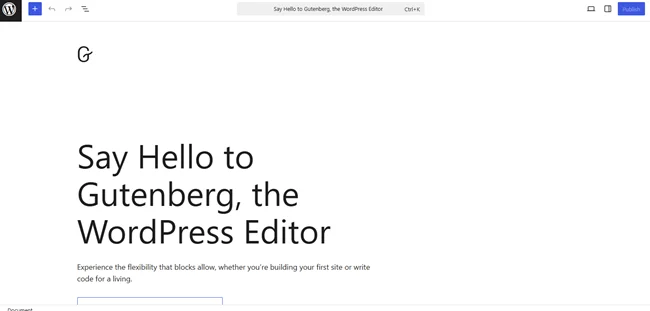
We know you are wondering how Gutenberg made it in the list of Best WordPress page builders even though it is a block editor. However, it’s still the most popular choice for countless WordPress users due to its high performance and smooth integration with WordPress. The best part? It is completely free to use with zero extra cost.
Standout Features:
- Block based editing
- Simple drag and drop interface
- Easy to save and reuse blocks
- Full site editing
- Beautiful pre-made layouts and patterns to create complex designs
- Advanced design controls
- Fully flexible and cost effective
Pros of Gutenberg:
- User friendly block based editing
- Lightweight for higher performance
- Real time visual editing
- No lock in since it is a core feature
Cons of Gutenberg:
- Some beginners will find it difficult to use
- Not compatible with all themes and plugins
- Limited customization options
Price: Gutenberg (Block Editor) is free to use but you can still go for premium Gutenberg block plugins to extend its features.
Beaver Builder
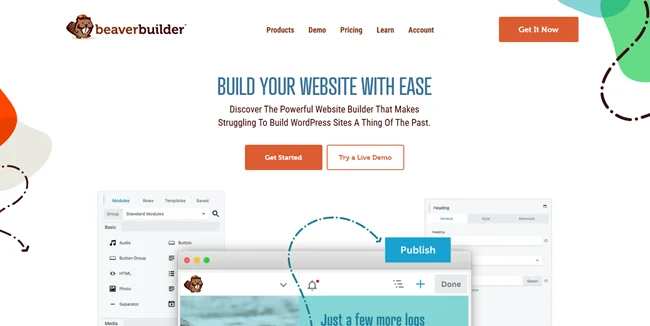
Beaver Builder is the most popular drag and drop page builder for WordPress here. It comes with a user friendly interface and clean code output. Plus, it is designed to be lightweight for enhancing your website’s performance. If you want to create a complex layout with a smooth visual workflow, this plugin is the best of all above.
Standout Features:
- Friendly user front end editor
- Easy to use reusable templates
- Beaver Themer let you create and save custom layouts
- Clean and developer friendly code
- Smoothly connects with multiple WordPress themes and plugins
- Lightweight for better website performance
Pros of Beaver Builder :
- Easy to use
- Clean and fast code
- Works smoothly with almost all WordPress themes
- Fully responsive designs
Cons of Beaver Builder:
- Limited free features
- Limited header and footer control
Price: Beaver Builder offers a free version in WordPress plugin directory. You can also opt for its premium version starting at $89/year
Final Take – Which WordPress Page Builder Stands Out?
In a nutshell, A WordPress page plugin helps you create and design your WordPress website the way you want. Best of all, it’s core feature is drag and drop interface which makes it easy to build websites for even non tech-savvy people.
So now you have to choose which one to go with. To help you make a quick decision, here’s a quick recap of all the WordPress page builders that stands out the best:
- Elementor: Powerful drag-and-drop builder with templates
- WPBakery: Classic builder with front/back-end editing
- Divi: Visual designer with built-in marketing tools
- SeedProd: lightweight builder with AI tools
- Gutenberg (Block Editor): Free, core block editor for WordPress
- Beaver Builder: Clean and developer friendly page builder
So that’s it for today. Now it’s time for you to pick the best one and start building beautiful and eye-catching WordPress websites.
FAQs About WordPress Page Builders
What is the best WordPress page builder?
Here are the best WordPress page builders:
- Elementor
- WPBakery
- Divi
- SeedProd
- Gutenberg
- Beaver Builder
Is Elementor the best page builder for WordPress?
Yes, Elementor is the best page builder for WordPress to create complex page layouts and entire websites with zero coding. It has over 100 widgets and 300+ templates and blocks for creating beautiful web pages.
Is Elementor free or paid?
Elementor offers a free version. Its paid plan starts from $59.88/year.
What is WPBakery page builder?
WPBakery Page Builder is the best choice to create your website layout. It comes with a front end and back end page builder to create responsive websites. With over 50+ content elements, templates and addons, you can build your WordPress pages and page layouts effortlessly.
Read this also: