Best WordPress Plugins To Build a Student Community For Your LMS Site


Students who feel part of a group finish more courses and come back for the next one, yet most LMS sites stop at lessons and quizzes. A student community fills that gap with profiles, groups, discussions, and activity feeds where learners can share wins and get unstuck. WordPress has plenty of plugins that add these features on top of your LMS, with no custom build needed. In this guide, we compare the best options, explain what to look for, and show a simple setup with Academy LMS.
Why a Student Community Matters For Your LMS
A community turns a collection of lessons into a learning experience. Here is what it changes for your business.
Higher completion and retention. Online courses are easy to start and easy to abandon. When students have peers expecting to hear from them, they are more likely to keep going. A quick “I just finished module three” post can be the nudge another learner needs.
Peer support that lightens your workload. Many student questions are not unique. When learners can search past discussions or ask a group, your support inbox gets quieter, and experienced students gain confidence by answering.
Social proof and word-of-mouth growth. Active discussions, shared projects, and public celebrations show prospects that real people are learning on your site. That is more convincing than any sales page.
Recurring revenue opportunities. A community gives you a natural home for cohort programs, memberships, mastermind groups, and advanced courses. Students who already belong are far easier to sell to than strangers.
In short, community is not a nice extra. For many course businesses, it is the feature that separates a content library from a lasting brand.
What To Look For In a Community Plugin
Not every community plugin suits an LMS. Before you install anything, check these six areas.
- LMS compatibility. The best choice is to understand your courses. Look for enrollment sync, course-based groups, and the ability to show progress or achievements inside profiles. Without this, you will be copying student lists by hand.
- Core community features. At minimum you want member profiles, an activity feed, groups or spaces, and a way to talk, either forums or direct messages. Extra features such as events, polls, and live chat are a bonus, not a requirement.
- Moderation and spam control. Open communities attract spam fast. Look for approval queues, reporting tools, role-based permissions, and easy ways to ban or mute members.
- Performance on large sites. Social features can be database-heavy. If you expect thousands of students, choose a plugin known for scaling well, and pair it with good hosting and caching.
- Pricing and free limits. Some plugins are free at the core and charge for add-ons. Others are premium only. Compare the true cost after you add the extensions you actually need.
- Design and mobile experience. Most students will join from their phones. Make sure the layout adapts well, matches your theme, and feels simple enough that nobody needs a tutorial to post.
8 Best WordPress Plugins For Student Communities
Each plugin below is reviewed the same way: an overview, key features, and pricing. Always confirm current features, pricing, and Academy LMS compatibility on the vendor’s site before you buy.
1. ZenCommunity
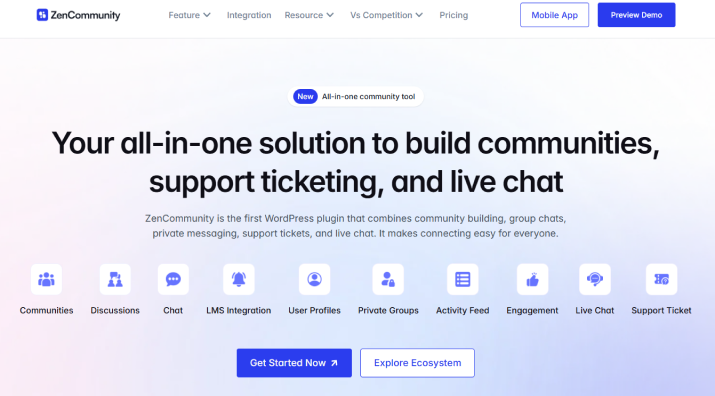
ZenCommunity is an all-in-one community plugin for WordPress, combining groups, social feeds, real-time chat, and support ticketing in one native plugin. Instead of stitching together separate tools, you can run discussions, private messaging, live chat, and a support desk from inside your own site. It integrates deeply with Academy LMS and can automatically post updates to your community when students enroll, complete a course, ask a question, or finish a quiz. It also supports other popular LMS plugins, including Tutor LMS and LearnPress.
Key features: Member profiles, activity feeds, and groups or spaces where students can post, reply, and share. Because it comes from the same team as Academy LMS, the setup is designed to feel familiar.
Pricing: Free core platform, with paid plans for the full suite.
2. ARMember
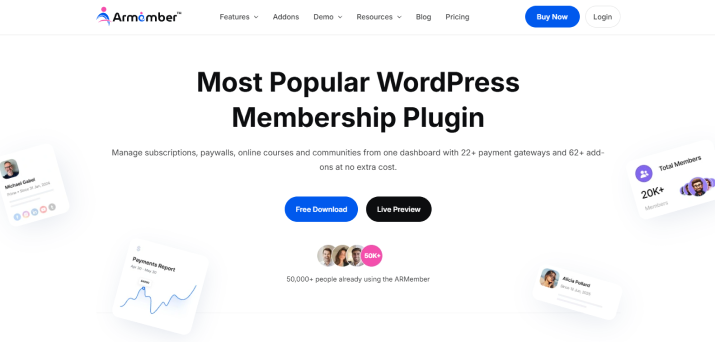
Trusted by 50,000+ communities, ARMember is one of the most flexible WordPress plugins for creating long-lasting online student communities and courses. This membership plugin turns your WordPress site into a complete membership platform where your students can sign up to access your exclusive content, online course, digital downloads, or forums. It integrates deeply with BuddyPress and BuddyBoss, and gives you rich user profiles, directories, avatars and built-in awesome gamification with badges, rewards, and points.
Key features: Advanced content restriction, drip content, unlimited membership plans, online community, 22+ payment gateways, online course with text lessons, audio and video. A large library of 62+ in-built add-ons extends it further.
Pricing: Free, with optional paid add-ons and pro plans available.
3. BuddyPress
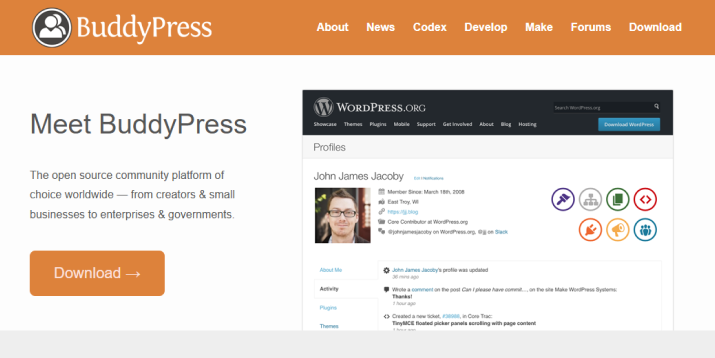
BuddyPress is the long-standing free social networking plugin for WordPress, and the foundation many other community tools build on. It turns an ordinary WordPress site into a members-only network with profiles, groups, and activity streams. Its biggest strength is flexibility, since developers can extend it with themes, add-ons, and custom code. The trade-off is that the default look is basic, and connecting it tightly to your LMS usually takes extra plugins or some setup work.
Key features: Extended profiles, activity streams, user groups, friend connections, private messages, and notifications. A large library of add-ons extends it further.
Pricing: Free, with optional paid add-ons from third parties.
4. BuddyBoss Platform
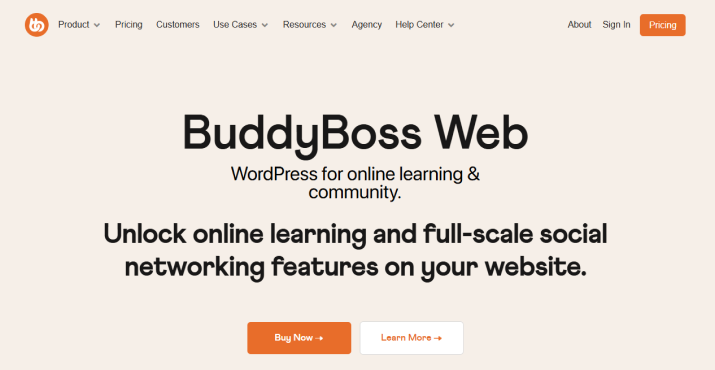
BuddyBoss takes the BuddyPress idea and polishes it into a complete social network experience, with its own theme and app options. It is aimed at creators who want their community to feel like a modern, branded platform rather than a plain WordPress add-on. The interface is clean, mobile-friendly, and familiar to anyone who has used a social app. It is a heavier solution than most, so it suits sites with a larger audience and a budget to match.
Key features: Profiles, groups, forums, messaging, media sharing, and a clean mobile-friendly interface. A paid Pro tier adds more advanced features.
Pricing: Free core platform, with paid plans for the full suite.
5. bbPress
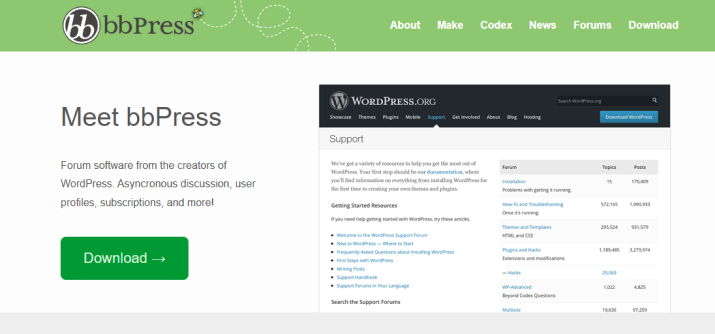
If you mainly want discussion boards, forum plugins keep things simple. bbPress is the classic lightweight choice, while wpForo offers a more modern forum layout. Both organize conversations into topics and replies, which works well for structured Q&A around your courses. They focus on discussion rather than social networking, so you will not get friend lists or busy activity feeds. That focus keeps them fast and easy for students to learn.
Key features: Topics, replies, categories, user roles, and search. wpForo adds richer layouts, voting, and extra features through add-ons.
Pricing: Free, with optional paid add-ons.
6. PeepSo
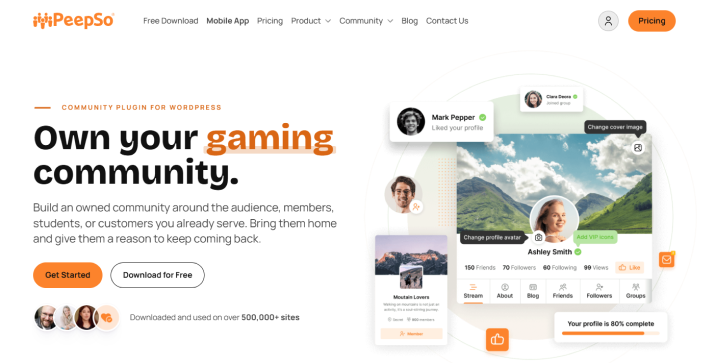
PeepSo is a lightweight social network plugin that gives your site a familiar, social-media-style feel. Students get a profile and a timeline where they can post updates, join groups, and react to each other’s posts. It is designed to be quick to set up without slowing your site down. You can start with the core plugin and add extensions later as your community grows and your needs become clearer.
Key features: Profiles, a timeline-style activity feed, groups, photos, and notifications, with extensions for added features.
Pricing: Free core, with paid bundles for extensions.
7. Ultimate Member
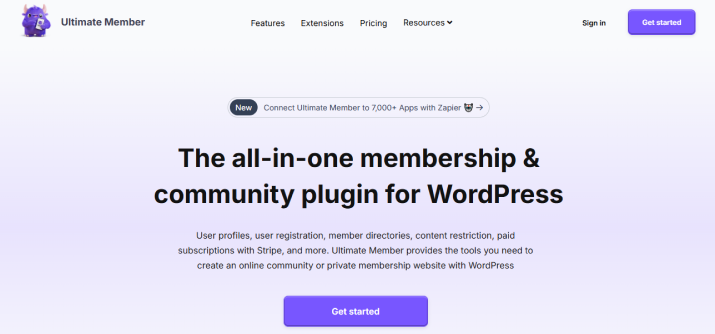
Ultimate Member and ProfileGrid are profile and membership plugins rather than full social networks. They are useful when your priority is a clean member directory and good profiles. You can build custom registration and login forms, control who sees which content, and give each student a public or private profile page. On their own they offer limited discussion tools, so many site owners pair them with a forum plugin.
Key features: Custom registration and login forms, member directories, profile pages, and role-based content restrictions.
Pricing: Free core, with paid extensions.
8. Paid Memberships Pro
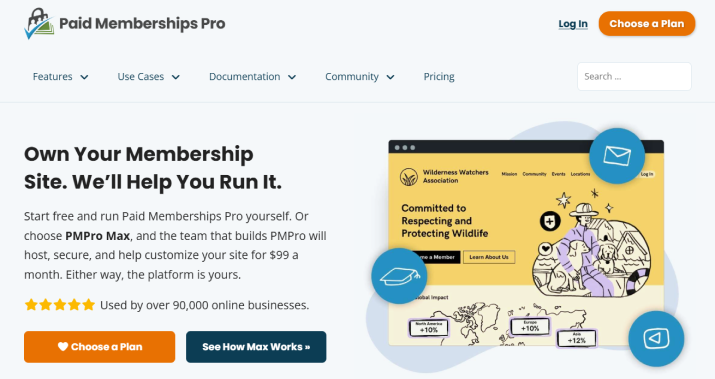
Paid Memberships Pro is a membership engine rather than a community plugin, but it plays an important role if your community is a paid perk. It handles membership levels, payments, and access rules, so only the right people can enter your community spaces. You pair it with a community plugin that provides the groups and discussions. This combination works well for subscription-based programs, cohorts, and members-only courses.
Key features: Membership levels, payment handling, content restriction, and recurring billing, with add-ons that connect to WordPress community plugins for lms.
Pricing: Free core, with paid add-ons and plans.
Quick Comparison Table
Use this table to narrow your shortlist, then confirm details on each vendor’s site.
| Plugin | Best for | Groups | Forums | LMS integration | Free version |
| ZenCommunity | Academy LMS sites | Yes | Yes | Designed for Academy LMS | Yes |
| BuddyPress | Flexible, free base | Yes | Via bbPress | Add-ons or custom work | Yes |
| BuddyBoss Platform | Branded, app-like community | Yes | Yes | Strong, verify your LMS | Core is free |
| bbPress / wpForo | Simple discussion boards | Limited | Yes | Limited | Yes |
| PeepSo | Lightweight social feed | Yes | Limited | Extra work likely | Core is free |
| Ultimate Member / ProfileGrid | Profiles and directories | Limited | No | Limited | Core is free |
| Paid Memberships Pro | Paid, gated access | No | No | Via add-ons | Core is free |
How To Choose The Right Plugin
The best plugin depends on the size of your audience and how your business earns money.
- Small course site or solo creator: Start simple. A forum plugin such as bbPress or wpForo, or a basic group setup, gives students a place to ask questions without overwhelming you.
- Growing academy: Choose a tool with activity feeds and course-based groups, such as ZenCommunity alongside Academy LMS, so each course has its own space.
- Membership-driven business: Pair a community plugin with a membership tool like Paid Memberships Pro, so only paying members can enter.
- Brand-focused creator with a bigger budget: A polished platform like BuddyBoss can deliver an app-like experience.
Before you decide, run through this quick checklist:
- Does it connect to my LMS enrollments?
- Can I moderate it without extra tools?
- Does it look good on a phone?
- Will it still work for me at ten times my current student count?
- Is the total cost, including add-ons, within budget?
If you can answer yes to most of these, you have found a good fit.
How To Set Up a Student Community With Academy LMS
The exact screens vary by plugin, but the workflow is almost the same everywhere. Here is a simple five-step path.
- Install and activate the plugin. Go to Plugins, then Add New in your WordPress dashboard, search for your chosen plugin, and activate it. Take a full site backup first, especially if you are adding it to a live site.
- Create the community pages. Most plugins generate pages for members, activity, and groups. Add them to your main menu so students can find them in one click.
- Connect enrollments to groups or spaces. Create a group or space for each course, or one shared space for all students. Where the plugin supports it, set enrollment to add students automatically, so nobody has to request access.
- Configure moderation and notifications. Decide who can post, who can start groups, and what needs approval. Set sensible email notification defaults so students are reminded without being flooded.
- Seed the community. An empty community feels dead. Publish a welcome post, pin a short set of guidelines, and start two or three discussions, such as “Introduce yourself” and “What is your goal for this course?” Invite your first students personally.
Once the basics work, test the full journey as a new student: enroll, log in, find the community, and post. Fix any friction before you announce it.
Tips To Keep Your Community Active
Launching is the easy part. Keeping people talking takes a little routine.
- Onboard every new student. Send a welcome message that points to one specific first action, like introducing themselves in a pinned thread.
- Run weekly rituals. A weekly discussion topic, a “wins of the week” post, or a live Q&A gives people a reason to return on a schedule.
- Show up as the instructor. Students post more when they see you replying. Even a few minutes a day makes a visible difference.
- Recognize contributions. Badges, shout-outs, and leaderboards reward helpful members and encourage others to join in.
- Encourage student-to-student help. Instead of answering every question yourself, tag experienced learners and thank them publicly when they help.
- Tie discussions to lessons. Add a prompt at the end of a lesson, such as “Share your result in the community.” This links learning and conversation naturally.
Common Mistakes To Avoid
- Launching with no content or moderation plan. A silent feed discourages new members, and unmoderated spaces attract spam. Prepare starter posts and clear rules before day one.
- Overloading students with features. Turning on every module at once confuses people. Start with profiles, groups, and discussions, then add more as your members ask for it.
- Ignoring the mobile experience. If posting is awkward on a phone, most students will simply skip it. Test on a real device.
- Disconnecting the community from course progress. A community that lives apart from your lessons gets forgotten. Link to it from lessons, emails, and the student dashboard.
Conclusion
A student community is one of the most effective ways to improve completion, reduce support load, and build loyalty on your LMS site. The right plugin depends on your goals:
- Academy LMS users: ZenCommunity keeps your courses and community in one ecosystem.
- Free and flexible: BuddyPress, with bbPress or wpForo for forums.
- Polished and branded: BuddyBoss Platform.
- Lightweight social feed: PeepSo.
- Paid, gated access: Paid Memberships Pro alongside a community plugin.
Start small, launch with a welcome post and a clear moderation plan, and let the community grow with your students.
Ready to build yours? Try Academy LMS with ZenCommunity and give your students a place to learn together.
Related articles:
- 8 Best WordPress LMS Plugins For Course Creation in 2026
- 7 Best WordPress Subscription Plugins for Easy Recurring Payment Management
- How to Create an Online Event Registration Form? [+Templates]
FAQs
Can I add a community to my LMS without coding?
Yes. Plugins like ZenCommunity, BuddyBoss, and PeepSo are set up through the WordPress dashboard with settings screens and page templates. You may only need code if you want deep custom design.
Is BuddyPress good for an LMS?
It can be. BuddyPress is free and flexible, but it is a general social network, so connecting it to your course enrollments often takes extra plugins or custom work. It suits owners who are comfortable configuring things.
Do I need a separate forum plugin?
Not always. Some WordPress community plugins for lms include forums or discussion spaces. If yours does not, a forum plugin like bbPress or wpForo can fill the gap.
How do I moderate a student community?
Set clear guidelines, enable approval queues for new members or groups, and use reporting tools. Assign trusted students or teaching assistants as moderators so the work is shared.
What is the best free option?
BuddyPress is the best-known free base for a full social community, while bbPress and wpForo are strong free choices for forums. Check whether your LMS needs extra connectors.